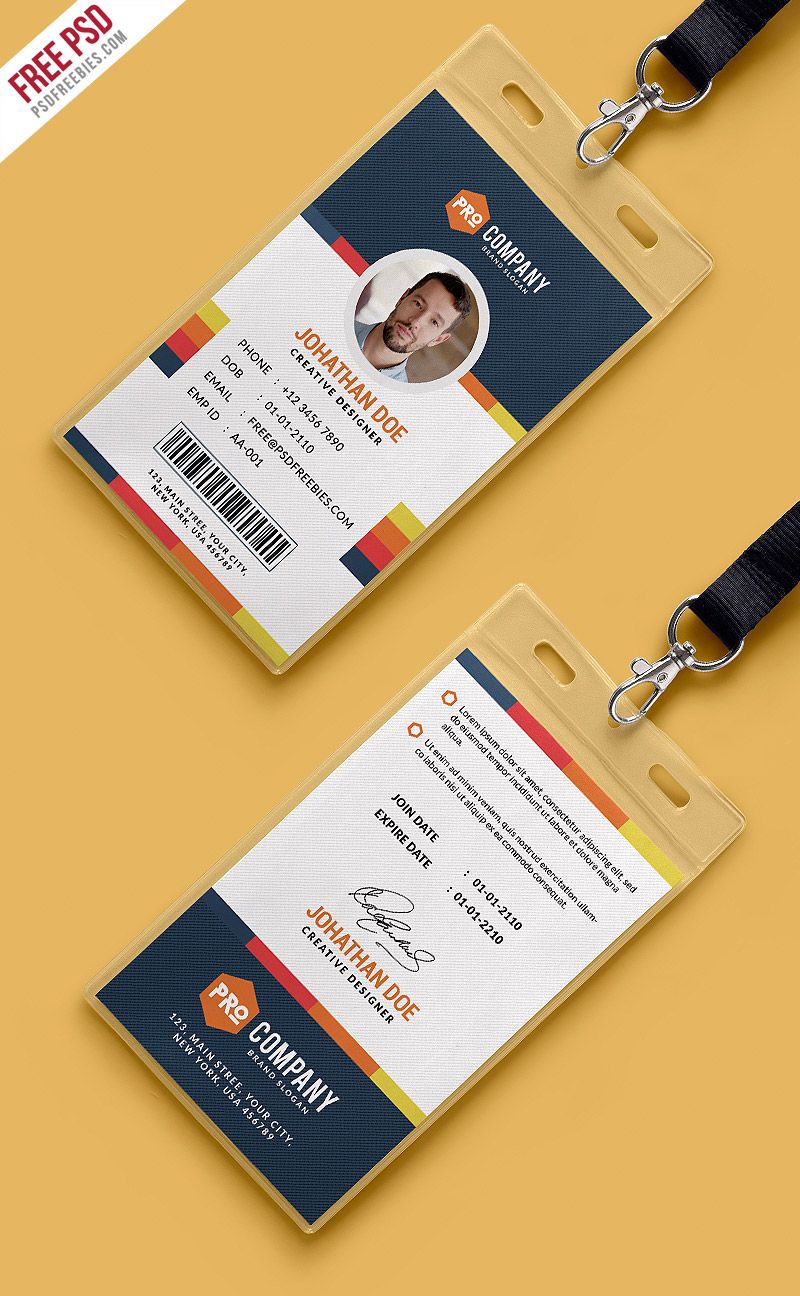
When it comes to business cards, less really is more. You want your card to make a strong impression — but if you overcrowd it, choose unreadable fonts, use low-quality images, or mess up contact info, you risk losing potential clients or partners. Don’t worry though! This guide will walk you through common mistakes and show you how to avoid them, so your business cards always work for you.
Click here for more design samples
Why Overcrowding Your Business Cards with Information Can Backfire
You’ve probably seen business cards so crammed with information that your eyes don’t know where to land first. It’s tempting to include every possible detail: your title, multiple phone numbers, social media handles, slogans, services, addresses, QR codes, and more. But in reality, stuffing your card full of info confuses readers and makes it less likely they’ll remember you.

Keep It Simple to Make Your Business Cards Effective
When you design your business cards, think of them like a billboard—not a novel. White space isn’t wasted space; it’s a breathing room that lets your key details pop. A clean design guides the eye effortlessly, making sure the most important information gets noticed first. If your card looks like a cluttered flyer, people may quickly lose interest.
For example, instead of listing three phone numbers, pick the one you actually want clients to use. Instead of four social media handles, focus on the one platform where you’re most active. Less is more, always.
Avoid the “Wall of Text” Effect
Have you ever tried reading a business card with tiny font packed edge to edge? It’s not fun. Overcrowded text frustrates readers and makes your card feel like a chore instead of a helpful tool. Your goal is to make it easy for people to find your info—not to challenge their eyesight or patience.
Using concise wording and strategic layout helps avoid this problem. For instance, instead of saying “Contact me at any time via phone, email, or social media,” just list your preferred contact method plainly. This keeps the card neat and professional.
Prioritize What Your Contacts Need
Remember, your business cards are there to start a conversation or a connection. So highlight the essentials: your name, position, company, phone or email, and website if applicable. Everything else is extra.
Ask yourself: What would I want to know if I met someone briefly? What info would help me remember or reach them afterward? Focus on these details to make your business cards truly useful and memorable.
Ignoring Readability and Font Choices Hurts Your Business Cards
It doesn’t matter how great your design looks if no one can read it easily. Choosing the right font and making sure your text is legible is a fundamental part of good business card design.
Use Fonts That Are Easy on the Eyes
Fancy fonts may look trendy or creative, but they often sacrifice readability. Script or decorative fonts might seem fun but can confuse or tire readers. Instead, pick clean, simple fonts like Helvetica, Arial, or Calibri — fonts designed for clarity.
Remember, your goal is communication, not showing off your typography skills. Even in creative industries, legibility wins.
Keep Font Sizes Balanced for Clarity
Font size matters too. Your name and company should be the most prominent, so they catch attention first. Contact details should be easy to read but slightly smaller. Avoid using fonts smaller than 8 points; anything tinier risks being illegible.
Balance is key. When everything is the same size, nothing stands out. When text sizes vary logically, readers know where to focus.
Contrast Is Key for Readability
Your font color and background color should contrast well. Dark text on a light background or light text on a dark background works best. Pastels, neon colors, or overly complex backgrounds can make reading difficult.
Imagine trying to read gray text on a light gray background—that’s a no-go! Keep your design simple so your contact info shines through clearly.
Using Low-Quality Images and Logos Diminishes Business Cards’ Impact
Your business cards represent your brand in a tiny package. Using low-quality images or logos can make your whole business look unprofessional—even if your service is top-notch.
Always Use High-Resolution Images
Logos and images should be crisp and sharp, not pixelated or blurry. A blurry logo sends a subtle but damaging message: “I don’t pay attention to details.” High-resolution files (300 dpi or more) ensure your images print clearly and professionally.
If you’re unsure about your logo file quality, ask your designer for a vector version or a high-res PNG.
Vector Graphics Are Your Friend
Vector images are perfect for printing because they scale without losing quality. Unlike raster images (like JPEGs), vectors don’t pixelate when resized. Using vector logos for your business cards guarantees a sharp, polished look every time.
If you don’t have a vector logo, consider getting one created—it’s a small investment with big payoffs.
Test Prints Before Finalizing
Screen colors and print colors can differ dramatically. Always order test prints before committing to a full batch. Sometimes what looks perfect on your computer screen can print dull, fuzzy, or even faded.
Testing lets you spot issues early and fix them. Plus, you can check if images maintain their clarity on the actual card stock.
Forgetting the Importance of Contact Details Accuracy on Business Cards
There’s nothing worse than handing out business cards only to realize your phone number or email is incorrect. Accuracy matters immensely because these details are how people reach you.
Double-Check Every Detail Before Printing
Typos happen, but on business cards, they’re costly mistakes. Before printing, triple-check all your contact info: phone numbers, email addresses, websites, and social media handles.
Consider asking a friend or colleague to proofread your card details as well. Fresh eyes catch what you might miss.
Include Multiple Ways to Reach You
Not everyone prefers the same communication channel. Including both a phone number and an email address, for example, offers options and improves your chances of being contacted.
Some people prefer texting, others prefer calls or emails. Covering your bases is a smart move.
Update Your Cards Regularly
If you move offices, change phone numbers, or rebrand your email, don’t wait until you run out of cards to print new ones. Outdated contact details lead to lost connections and frustration.
Schedule regular updates or order smaller batches more often so you always have fresh, accurate business cards on hand.
Wrapping Up: Make Your Business Cards Work Hard for You
Your business cards are often your first impression. They need to be clear, readable, professional, and accurate to work well. By avoiding overcrowding, choosing legible fonts, using high-quality images, and double-checking contact info, you create a card people actually want to keep—and reach out to.
Remember, business cards are small but mighty tools. A well-designed card opens doors, builds trust, and starts valuable conversations.
So next time you design your business cards, take a moment to think about what really matters. Your future contacts will thank you!